Summary: Meeting transcription accuracy is the most important metric when choosing an AI tool, yet real-world performance varies significantly based on audio quality, speaker count, and language. This guide covers how modern AI transcription works across three layers of intelligence, multilingual capabilities for global teams, practical optimization tips, and emerging features like sentiment analysis and cross-meeting intelligence.
Why Meeting Transcription Accuracy Matters More Than You Think
A meeting transcription that is 90 percent accurate sounds impressive—until you realize that in a one-hour meeting with approximately 9,000 spoken words, 90 percent accuracy means 900 words are wrong. That is roughly 60 sentences with errors. If even a few of those errors fall on names, numbers, deadlines, or technical terms, the entire transcript becomes unreliable.
This is why transcription accuracy is the single most important metric when choosing an AI meeting transcription tool. In 2026, the best tools achieve 95 to 99 percent accuracy under optimal conditions, but real-world performance varies significantly based on audio quality, number of speakers, background noise, accents, and technical vocabulary.
Understanding these variables helps you set realistic expectations and optimize your recording environment for the best possible results. A few simple adjustments—using a dedicated microphone instead of a laptop’s built-in mic, reducing background noise, and ensuring speakers are within reasonable range—can push accuracy from mediocre to excellent.
How Modern AI Transcription Actually Works
AI meeting transcription in 2026 relies on multiple layers of artificial intelligence working together.
The first layer is acoustic modeling—converting raw audio waveforms into phonetic representations. This is where audio quality has the biggest impact. Clean audio with minimal background noise produces dramatically better results than a recording made in a noisy coffee shop.
The second layer is language modeling, which takes those phonetic representations and converts them into actual words. This is where context becomes crucial. A good language model understands that “CraftNote” is a product name, not “craft note” as two separate words. It knows that “Q3 deliverables” is a common business phrase, not a random string of syllables.
The third layer—and this is where 2026 tools have leapt ahead—is contextual understanding. Modern AI transcription does not just convert speech to text word by word. It understands sentence structure, speaker intent, and conversational flow. This allows it to correctly punctuate, paragraph, and format the output so it reads naturally rather than as a stream-of-consciousness dump.
Speaker diarization is the technical term for the AI’s ability to distinguish between different speakers. Early tools required manual labeling after every meeting. Current tools like CraftNote use voiceprint recognition that improves over time—once you identify a speaker in one meeting, the AI remembers their voice and labels them automatically in all future recordings.
Multilingual Transcription: Breaking Language Barriers in Global Teams

Global teams face a unique challenge: meetings where participants switch between languages, use loan words from multiple languages, or speak English with diverse accents. Monolingual transcription tools fail catastrophically in these scenarios, producing garbled output that is worse than useless.
CraftNote supports over 80 languages for transcription, which covers the vast majority of global business communication. But language support is not just about the number of languages in the list—it is about how well the AI handles real-world multilingual scenarios.
Code-switching—the practice of alternating between languages within a single conversation—is increasingly common in international business settings. A manager in Berlin might start a sentence in German and finish it in English. A developer in Tokyo might use Japanese for general discussion but switch to English for technical terms. The best AI transcription tools handle these transitions smoothly, correctly identifying the language shift and transcribing each segment accurately.
Accent handling has also improved dramatically. The AI models powering modern transcription tools are trained on diverse datasets that include speakers from around the world. Whether your team members speak English with Indian, Nigerian, Brazilian, or Scottish accents, the transcription should maintain high accuracy. This is not just a technical achievement—it is an equity issue. Teams where some members’ speech is consistently misidentified feel the impact of poor transcription more acutely than others.
Translation is the next frontier. Some tools now offer the ability to transcribe a meeting in one language and translate the summary into another. This means a team lead in France can conduct a meeting in French and share the notes in English with international stakeholders, all automatically.
Optimizing Your Setup for Best Transcription Results
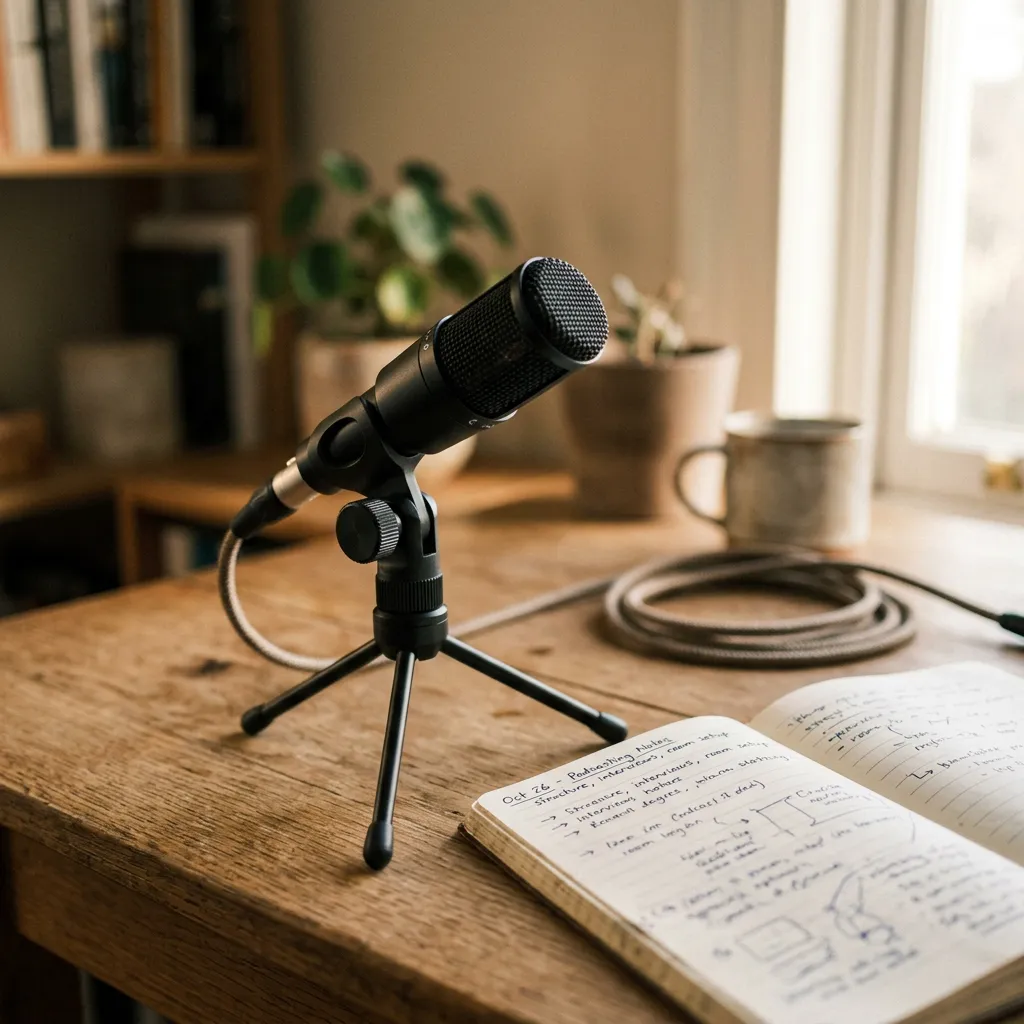
Even the best AI meeting transcription tool will underperform if the audio quality is poor. Here are practical steps to maximize accuracy across different meeting scenarios.
For virtual meetings on Zoom, Google Meet, or Microsoft Teams, the most important factor is microphone quality. A dedicated USB microphone or a quality headset with a noise-canceling mic outperforms built-in laptop microphones by a significant margin. If budget allows, a conference speakerphone like the Jabra Speak series provides excellent audio pickup for in-room participants joining a virtual call.
For in-person meetings, microphone placement matters more than microphone quality. A centrally placed recording device captures all speakers more evenly than a phone sitting in front of one person. Many AI note taking apps, including CraftNote, work well with smartphone microphones—just place the phone in the center of the table.
Background noise is the enemy of transcription accuracy. HVAC systems, open-plan office noise, and even the hum of a projector can interfere with speech recognition. When possible, use a quiet room with the door closed. If you are recording at a conference or in a noisy environment, noise-canceling features built into tools like CraftNote can compensate for moderate ambient noise.
Speaking habits also affect accuracy. Speakers who enunciate clearly and avoid talking over each other produce much cleaner transcripts. While you cannot always control how others speak in a meeting, you can encourage turn-taking and discourage side conversations—which improves both the AI transcription and the meeting itself.
Finally, consider bandwidth. For cloud-based transcription that processes audio in real time, a stable internet connection is essential. If you are in a location with unreliable Wi-Fi, choose a tool that supports offline recording with cloud sync afterward. CraftNote records locally on your device and syncs when connectivity returns, ensuring you never lose a recording.
The Future of Meeting Transcription
Meeting transcription is rapidly evolving beyond simple speech-to-text conversion. The next generation of tools will understand not just what was said but what it means in the context of your work.
Imagine a meeting transcription tool that recognizes when a decision contradicts a previous commitment from last month’s meeting and flags the conflict automatically. Or a tool that identifies recurring discussion topics across multiple meetings and surfaces patterns—like the fact that your team has discussed the same unresolved issue in five consecutive sprints without reaching a resolution.
Sentiment analysis is another emerging capability. AI can detect frustration, enthusiasm, or confusion in speakers’ voices, providing meeting organizers with insights into team dynamics that go beyond the words themselves.
The integration between transcription and action is also deepening. Rather than simply listing action items, future tools will connect those items directly to project management systems, automatically creating tasks with deadlines, assignees, and context from the meeting discussion.
CraftNote is at the forefront of this evolution, continuously improving its AI to deliver not just accurate transcription but genuine meeting intelligence. The goal is simple: every meeting should produce clear outcomes, and no insight should be lost because someone was too busy taking notes to participate fully in the conversation.
Try CraftNote for Free
Industry-leading transcription accuracy, 80+ language support, real-time speaker identification, and intelligent meeting summaries. Experience the future of meeting transcription today.
Read More
- How AI Note Taking Apps Are Replacing Manual Meeting Notes in 2026 — Discover how AI note takers are transforming meeting productivity across every industry.
- How to Never Miss an Action Item Again: AI-Powered Meeting Follow-Up — Learn how to build a workflow that turns meeting conversations into clear, trackable outcomes.
- Best Audio and Video Transcription Software in 2026 — Compare the top transcription tools for meetings, podcasts, and video content.