Free meeting notes templates: Download ready-to-use templates for team meetings, one-on-ones, project updates, and client calls. This guide includes 5 proven formats plus tips on automating your notes with AI tools like CraftNote that generate structured summaries automatically.
Quick Template Guide
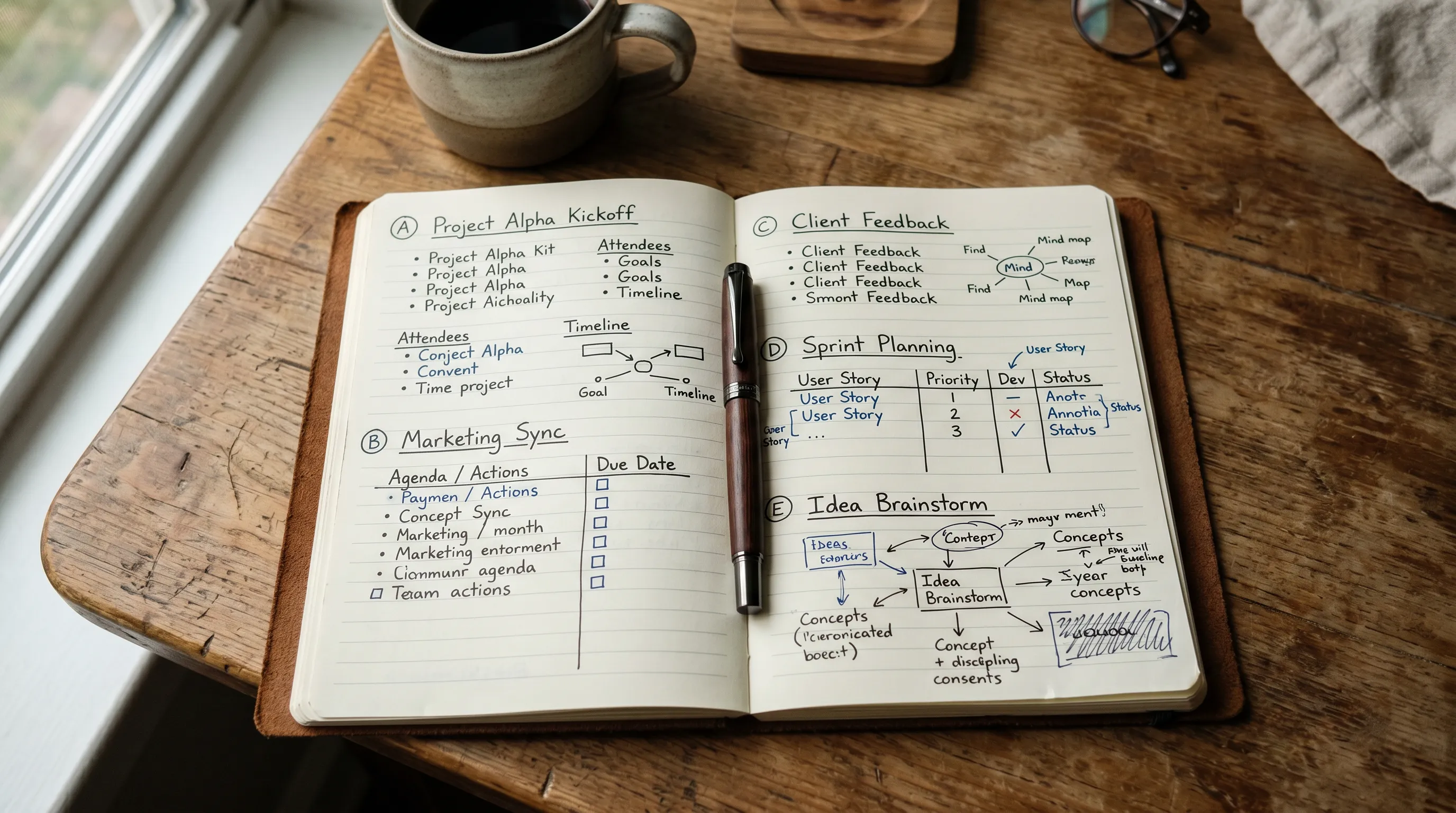
| Template Type | Best For | Key Sections |
|---|---|---|
| Team Meeting | Weekly standups | Updates, blockers, action items |
| One-on-One | Manager/report meetings | Goals, feedback, development |
| Project Update | Stakeholder updates | Status, risks, timeline |
| Client Meeting | External meetings | Agenda, decisions, next steps |
| Brainstorm | Creative sessions | Ideas, votes, selected items |
Why Use Meeting Notes Templates?
Templates ensure consistency across meetings, make notes easier to scan, and ensure you capture essential information. Teams using structured templates report 40% faster meeting follow-up and fewer missed action items.
Pro Tip: Use AI tools like CraftNote to automatically generate notes in these formats. Record your meeting and get structured summaries with action items without manual note-taking.
Automate Your Notes
CraftNote generates structured meeting summaries automatically. Try free.
1. Team Meeting Template
Use this template for recurring team meetings, standups, and department check-ins. Focus on updates, blockers, and clear action items.
Template Structure
Team Meeting Notes
Date: [Date] | Time: [Time] | Attendees: [Names]
Updates
- [Team member 1]: [Key update]
- [Team member 2]: [Key update]
Blockers
- [Blocker 1]: Owner: [Name], Help needed: [Details]
Decisions Made
- [Decision 1]
Action Items
- [ ] [Task] - Owner: [Name] - Due: [Date]
Next Meeting: [Date/Time]
Best Practices
- Keep updates brief (1-2 sentences each)
- Every action item needs an owner and due date
- Review previous action items at start
2. One-on-One Template
Use this template for manager-report meetings. Balance between updates, feedback, and development discussions.
Template Structure
One-on-One Notes
Date: [Date] | Manager: [Name] | Report: [Name]
Check-in
- How are you doing? [Notes]
- Workload: [Light/Moderate/Heavy]
Updates & Progress
- [Current project status]
- [Wins this week]
Challenges & Support Needed
- [Challenge]: [Support requested]
Career Development
- [Skills to develop]
- [Opportunities discussed]
Action Items
- [ ] [Task] - Owner: [Name] - Due: [Date]
Skip the Manual Note-Taking
CraftNote captures one-on-ones and generates summaries automatically.
3. Project Update Template
Use this template for stakeholder updates, sprint reviews, and project status meetings.
Template Structure
Project Update Notes
Date: [Date] | Project: [Name] | PM: [Name]
Status Summary
- Overall Status: [Green/Yellow/Red]
- Timeline: [On track/At risk/Delayed]
- Budget: [On track/At risk/Over]
Accomplishments
- [Milestone completed]
Upcoming Milestones
- [Milestone] - Due: [Date]
Risks & Issues
- [Risk]: Impact: [H/M/L], Mitigation: [Plan]
Decisions Needed
- [Decision required] - Decision maker: [Name]
4. Client Meeting Template
Use this template for external meetings with clients, partners, or vendors. Focus on professionalism and clear next steps.
Template Structure
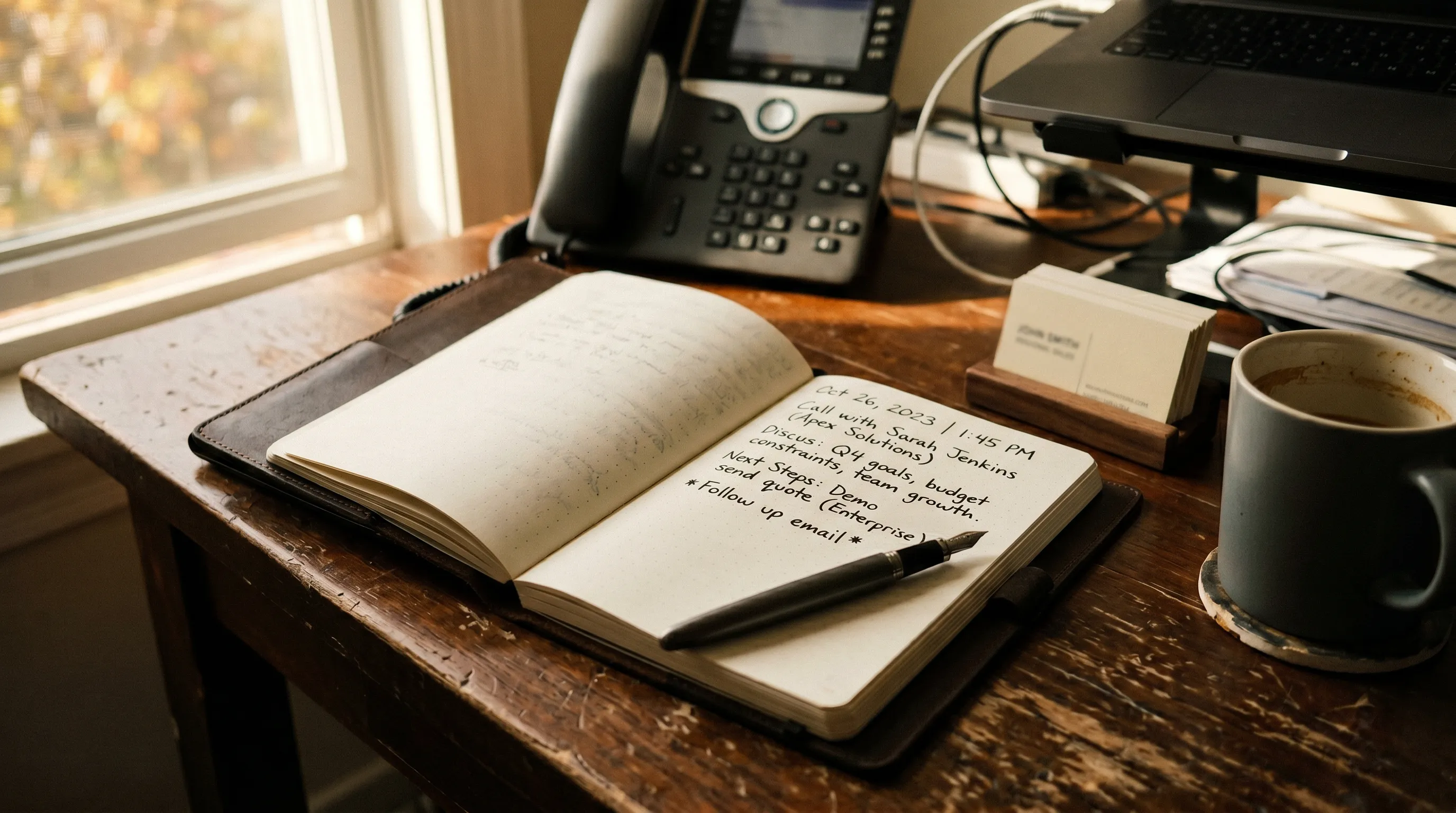
Client Meeting Notes
Date: [Date] | Client: [Company] | Attendees: [Names]
Meeting Purpose
- [Primary objective]
Discussion Summary
- [Topic 1]: [Key points]
- [Topic 2]: [Key points]
Client Requirements/Feedback
- [Requirement 1]
Agreements & Decisions
- [Decision made]
Next Steps
- [ ] [Task] - Owner: [Name] - Due: [Date]
Follow-up Meeting: [Date/Time]
Automating with AI Tools
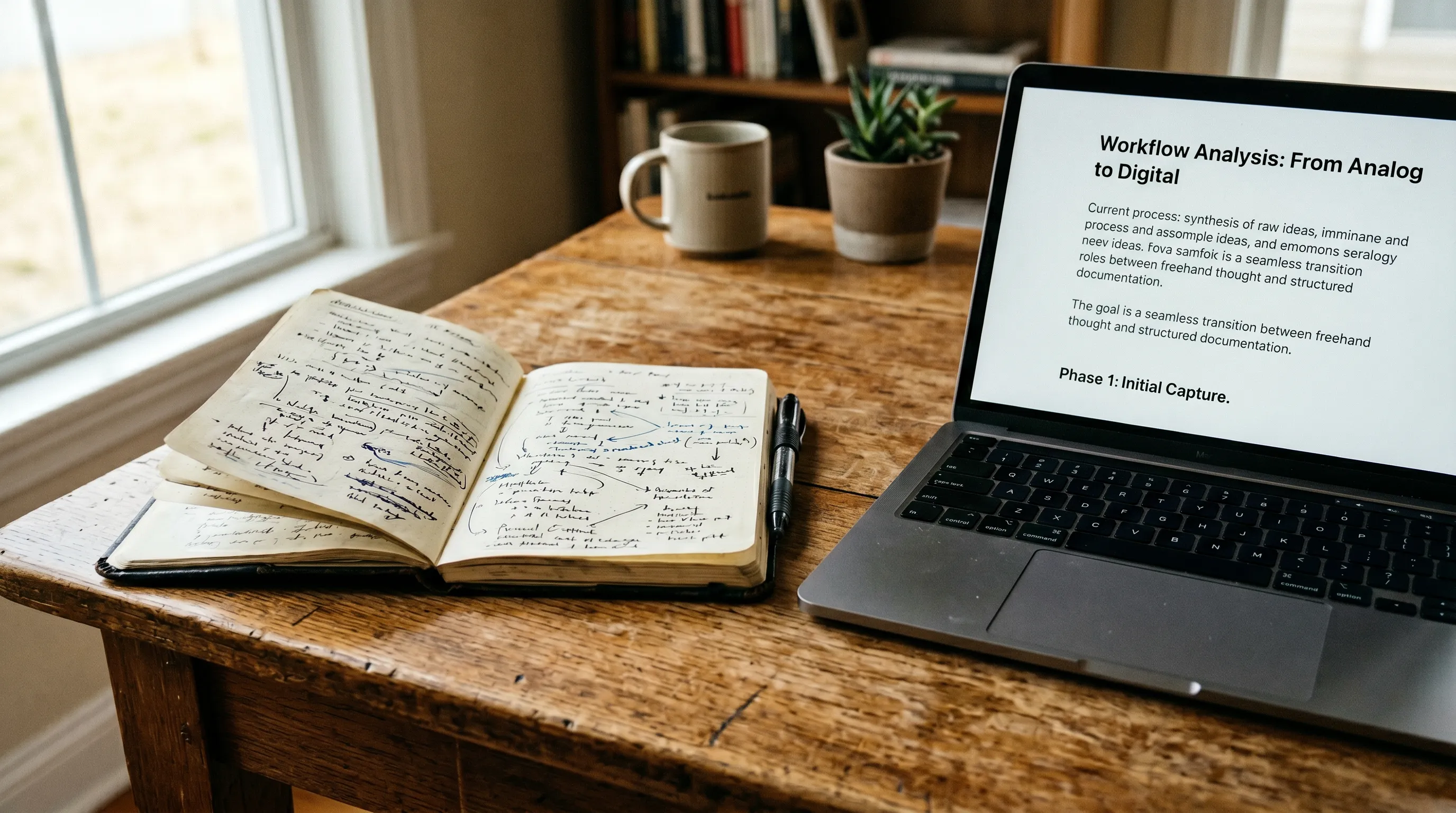
Instead of manually taking notes, AI meeting assistants like CraftNote can record your meetings and automatically generate structured notes. This lets you stay present in the conversation while still capturing everything.
How AI Note-Taking Works
- Record: CraftNote captures audio from any meeting
- Transcribe: AI converts speech to text with speaker identification
- Summarize: Get structured notes with key points and action items
- Export: Send to your preferred tools (Notion, Slack, CRM)
Manual vs AI Note-Taking
| Aspect | Manual Notes | AI (CraftNote) |
|---|---|---|
| Time in Meeting | Split attention | Fully present |
| Completeness | Selective | Everything captured |
| Speaker Attribution | Manual tracking | Automatic |
| Action Items | May miss some | AI extracted |
| Searchable | If digitized | Fully searchable |
| Time After Meeting | Cleanup needed | Ready immediately |
Try CraftNote Free
10 meetings per month. Get structured notes with action items automatically.
Frequently Asked Questions
What should every meeting note include?
At minimum: date, attendees, key discussion points, decisions made, and action items with owners and due dates. This ensures accountability and easy follow-up.
How do I take notes while staying engaged?
Use an AI tool like CraftNote to record and transcribe automatically. This lets you participate fully while still capturing everything said.
Should I share notes with all attendees?
Yes, share notes within 24 hours to confirm accuracy and ensure everyone has the same understanding of decisions and action items.
What's the best format for action items?
Include: the task, the owner, and the due date. Example: "Send proposal draft - John - Friday 5pm." Clear ownership prevents tasks from falling through.
Can AI tools customize note formats?
Yes, CraftNote and similar tools can generate summaries in different formats. You can also export to various platforms like Notion, Slack, or your CRM.