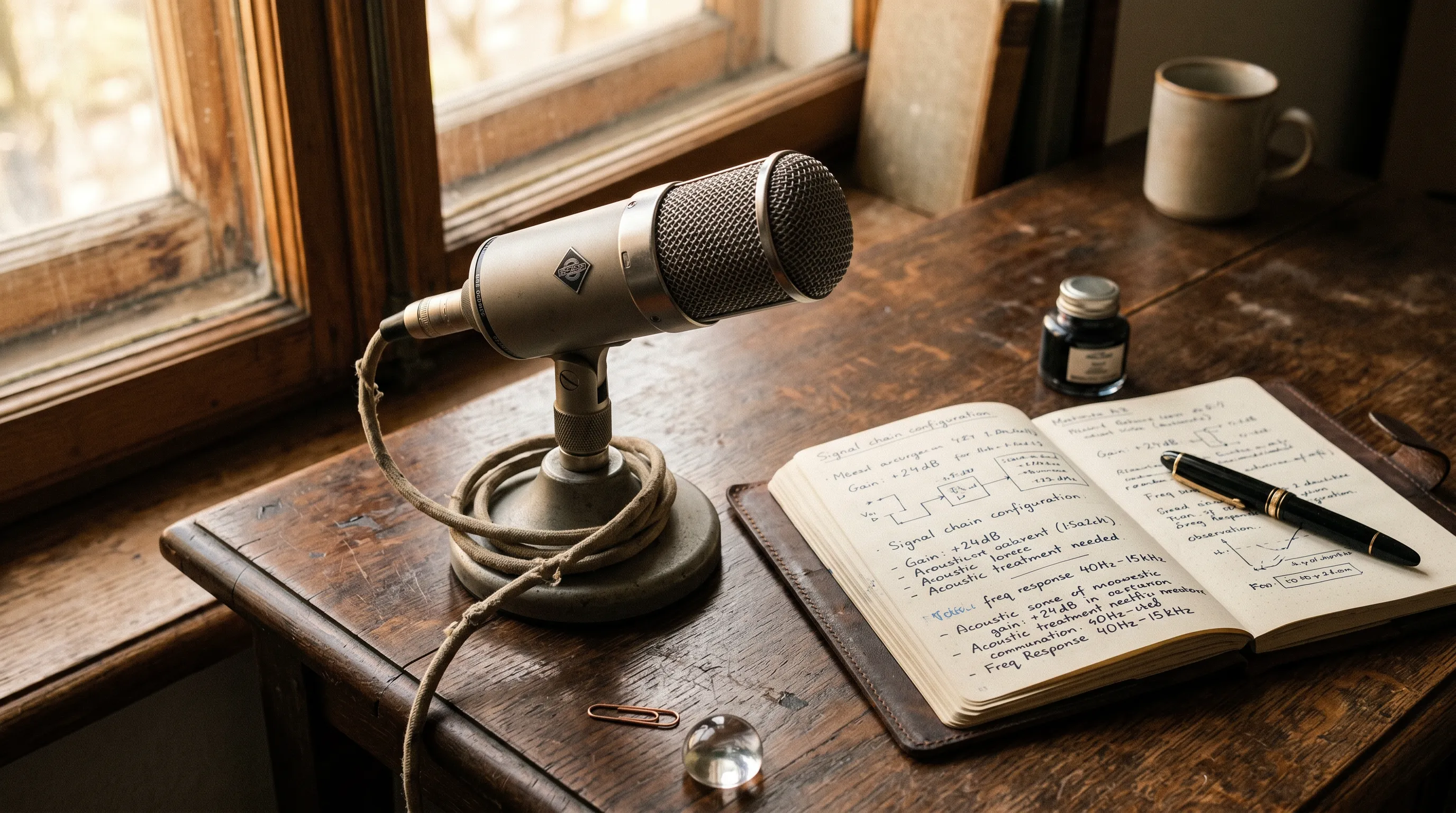
How AI speaker identification works: AI analyzes voice characteristics like pitch, tone, and speech patterns to create unique "voiceprints" for each speaker. CraftNote takes this further with persistent "speaker memory" that recognizes voices across all meetings automatically, eliminating manual labeling.
Quick Overview
| Technology | What It Does | Example Use |
|---|---|---|
| Voice Fingerprinting | Creates unique ID from voice | Identify who's speaking |
| Speaker Diarization | Segments audio by speaker | "Who said what" labels |
| Speaker Memory | Recognizes across sessions | Auto-label returning speakers |
| Real-Time Processing | Identifies during meeting | Live speaker labels |
The Basics of Voice Recognition
Every person's voice has unique characteristics: fundamental frequency (pitch), formant frequencies (resonance), speaking rate, accent patterns, and vocal habits. AI systems analyze these features to create a "voiceprint" - a mathematical representation of a voice that's as unique as a fingerprint.
Key Insight: Your voice is unique because of the physical structure of your vocal cords, throat, mouth, and nasal passages. These create patterns that AI can learn to recognize.
See Speaker Memory in Action
CraftNote remembers voices across all your meetings automatically. Try free.
How Speaker Identification Works
Step 1: Audio Processing
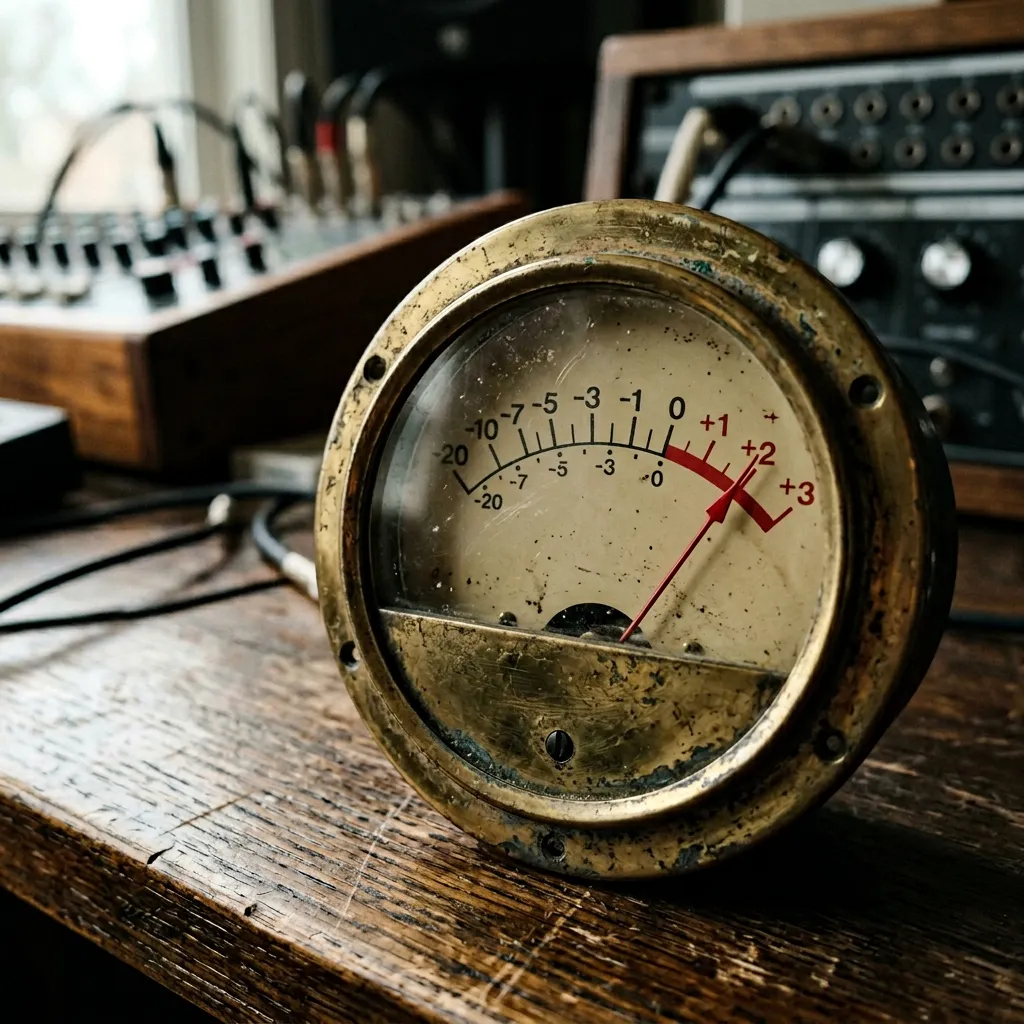
The audio is processed to remove background noise and enhance speech clarity. The system segments the audio into short frames (typically 20-30ms) for analysis.
Step 2: Feature Extraction
AI extracts acoustic features from each frame:
- MFCCs: Mel-frequency cepstral coefficients (voice "fingerprint")
- Pitch: Fundamental frequency of the voice
- Spectral features: Frequency distribution patterns
- Temporal features: Speech rhythm and pauses
Step 3: Embedding Generation
Deep neural networks convert these features into "embeddings" - compact vector representations that capture the essence of each speaker's voice in a form that's easy to compare.
Step 4: Clustering & Recognition
The system groups similar embeddings together (clustering) to identify distinct speakers. When a known speaker talks again, their embedding matches the stored profile.
Speaker Memory: The Next Level
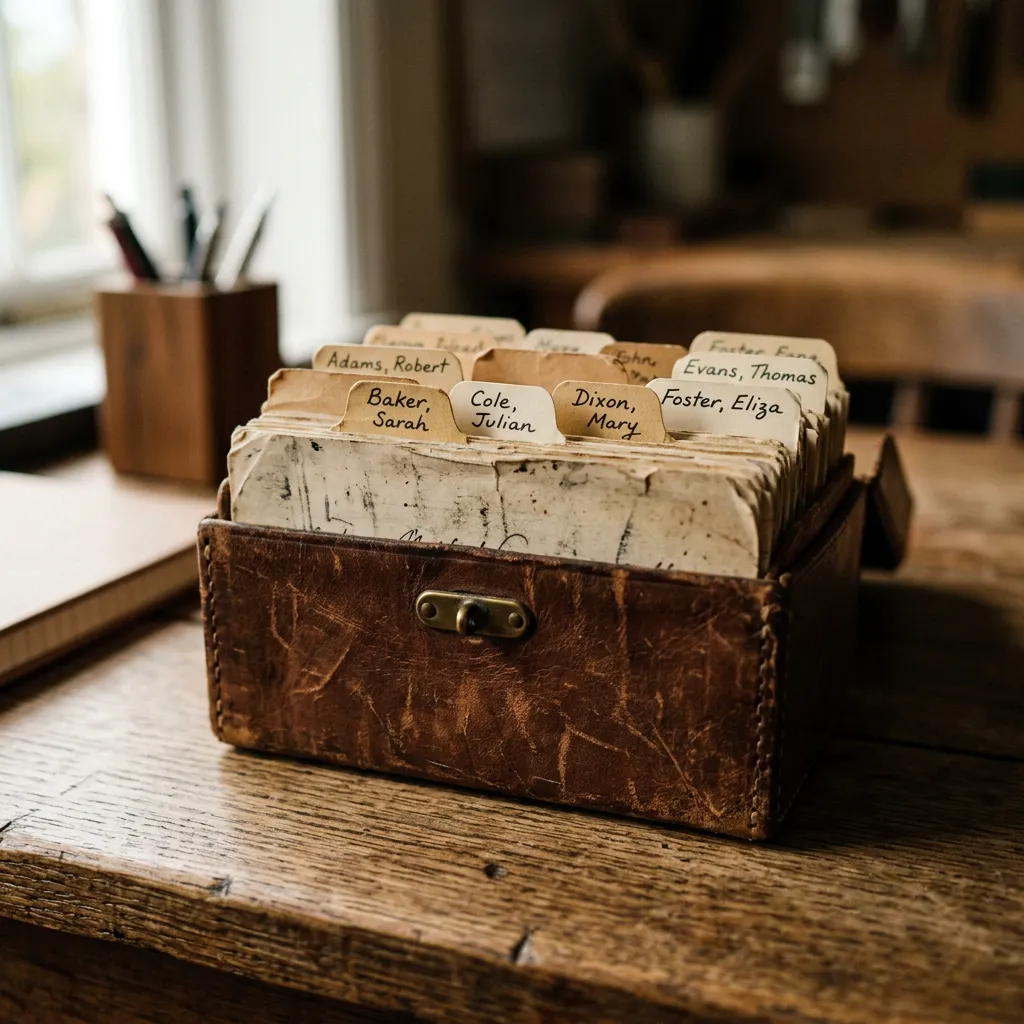
Most speaker identification only works within a single meeting. CraftNote's speaker memory is different: it maintains voice profiles across all your meetings permanently. Once you label a speaker, they're recognized automatically in every future recording.
Standard vs Speaker Memory
| Capability | Standard ID | Speaker Memory |
|---|---|---|
| Within-meeting ID | Yes | Yes |
| Cross-meeting recognition | No | Yes |
| Label once, use forever | No | Yes |
| Accuracy over time | Same | Improves |
| Manual labeling needed | Every meeting | Once |
How Speaker Memory Works
- First Encounter: System detects a new speaker and creates a profile
- You Label Once: Tell the system "This is John"
- Profile Stored: Voice characteristics saved permanently
- Auto-Recognition: John is identified automatically in all future meetings
- Continuous Learning: Profile improves with more samples
Try Speaker Memory
CraftNote is the only major tool with persistent speaker memory. Try free.
Factors Affecting Accuracy
Accuracy Influencers
| Factor | Impact | How to Optimize |
|---|---|---|
| Audio quality | High | Use good microphones |
| Background noise | Medium | Quiet environment |
| Number of speakers | Medium | Limit simultaneous speakers |
| Overlapping speech | High | Avoid talking over others |
| Voice similarity | Medium | More training samples help |
| Sample length | Low | Longer samples improve ID |
Best Practices for Accuracy
- Use quality microphones (built-in laptop mics work but external is better)
- Minimize background noise
- Avoid multiple people talking simultaneously
- Ensure each speaker has at least 10-15 seconds of clear audio
- For speaker memory: label speakers consistently using the same name
Real-World Applications
Meeting Transcription
Speaker identification enables "who said what" in meeting transcripts. With speaker memory (like CraftNote), you see actual names instead of generic "Speaker 1" labels.
Customer Call Centers
Identify returning customers automatically, personalize service, and maintain conversation history across interactions.
Legal and Compliance
Accurate attribution is essential for legal transcripts, compliance recordings, and audit trails.
Research and Interviews
Automatically attribute quotes to specific interview subjects without manual timestamping.
Experience Speaker Memory
CraftNote remembers voices forever. Label once, recognize always. Try free.
Frequently Asked Questions
How accurate is AI speaker identification?
Modern systems achieve 95%+ accuracy under good conditions. Factors like audio quality, background noise, and overlapping speech affect performance. CraftNote's speaker memory improves over time as it learns more about each voice.
What is speaker memory?
Speaker memory is CraftNote's feature that remembers voice profiles permanently. Once you label a speaker, they're automatically recognized in all future meetings without re-labeling.
Does speaker ID work with accents?
Yes, AI analyzes voice characteristics independent of language or accent. Accents can actually help differentiate speakers by adding unique patterns to their voice profile.
How many speakers can be identified?
Most systems handle 6-10 speakers in a single meeting reliably. CraftNote's speaker memory can store profiles for hundreds of individuals across all your meetings.
Is voice data stored securely?
CraftNote stores voice profiles with encryption on EU servers. Voice data is used only for speaker recognition and is not shared externally.