Summary: CraftNote and Turbolearn AI both target college students but at opposite ends of the study workflow. CraftNote captures lectures live — recording in-person classes with speaker identification, working offline when WiFi drops, and transcribing 100+ languages. Turbolearn AI starts after the lecture: you upload PDFs, slides, or recordings and it generates flashcards, summaries, and quizzes from them. This 2026 comparison breaks down recording vs. study-prep features, pricing for student budgets, and which tool fits exam-prep vs. live-capture workflows.
Quick Comparison Table
| Feature | CraftNote | Turbolearn AI |
|---|---|---|
| Best For | Lecture recording & notes | Study material generation |
| Live Recording | Yes | No |
| Offline Support | Yes | No |
| Speaker Identification | Yes (automatic) | No |
| Flashcard Generation | No | Yes |
| Quiz Generation | No | Yes |
| Languages | 100+ | Limited |
| Free Plan | 10 meetings/month | Limited uploads |
Key Differences
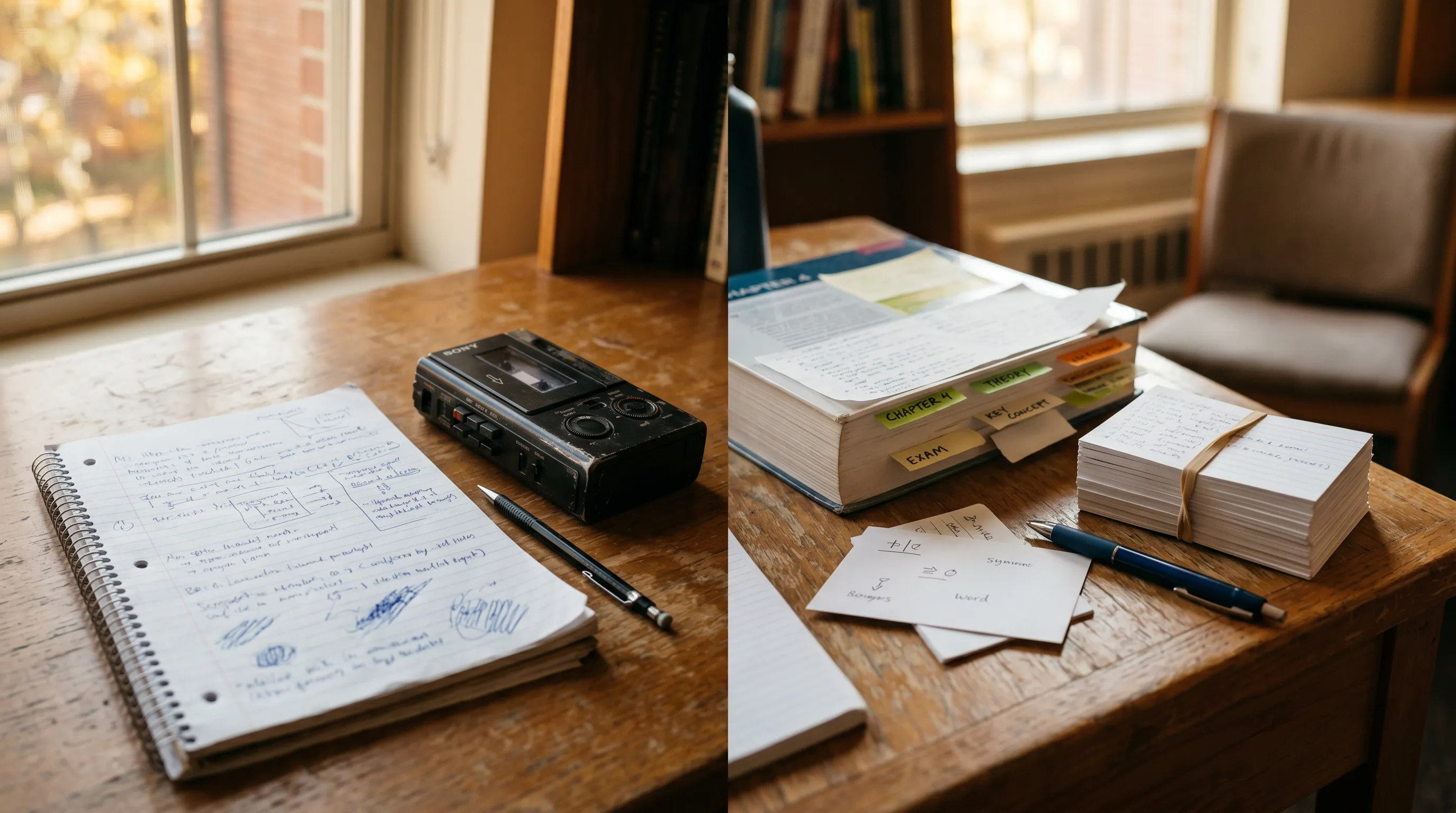
CraftNote and Turbolearn AI serve different stages of the learning process. CraftNote captures lectures in real-time with automatic speaker identification and works offline in lecture halls without WiFi. Turbolearn AI takes existing content (PDFs, notes, videos) and generates study materials like flashcards and quizzes. They can complement each other: use CraftNote to record lectures, then use Turbolearn to create study materials.
Bottom Line: Use CraftNote for lecture capture and note-taking. Use Turbolearn AI for converting existing materials into study aids. Many students benefit from using both tools together.
Try CraftNote Free
Record lectures offline, get AI summaries, identify speakers automatically.
CraftNote for Students
CraftNote is an AI-powered note-taking app that records lectures in 100+ languages, identifies different speakers (professors, guest lecturers, classmates), and generates structured summaries. Its offline mode is particularly valuable in lecture halls where WiFi is unreliable or unavailable.
CraftNote Pros and Cons for Students
Pros
- Records lectures offline (no WiFi needed)
- Automatic speaker identification
- Speaker memory recognizes professors across classes
- 100+ language support for international students
- Works on Mac, Windows, and iOS
- AI summaries with key points highlighted
- Search across all lecture recordings
Cons
- No flashcard generation
- No quiz creation features
- Free plan limited to 30-minute recordings
- No video recording capability
Turbolearn AI Overview
Turbolearn AI is a study tool that generates flashcards, quizzes, and summaries from uploaded content. Students upload PDFs, lecture slides, or videos, and Turbolearn creates interactive study materials. It focuses on the revision and retention phase of learning rather than content capture.
Turbolearn AI Pros and Cons
Pros
- Automatic flashcard generation
- Quiz creation from content
- Works with PDFs and slides
- Spaced repetition features
- Good for exam preparation
Cons
- Cannot record live lectures
- No offline functionality
- No speaker identification
- Requires content to be uploaded first
- Limited language support
See Detailed Feature Comparison
Compare all features side-by-side below.
Feature Comparison
Content Capture Features
| Feature | CraftNote | Turbolearn AI |
|---|---|---|
| Live Lecture Recording | Yes | No |
| Offline Recording | Yes | No |
| Speaker Identification | Yes | No |
| Real-time Transcription | Yes | No |
| PDF Upload | No | Yes |
| Video Upload | No | Yes |
Study Features
| Feature | CraftNote | Turbolearn AI |
|---|---|---|
| AI Summaries | Yes | Yes |
| Flashcard Generation | No | Yes |
| Quiz Generation | No | Yes |
| Spaced Repetition | No | Yes |
| Search Across Content | Yes | Limited |
| Ask AI Questions | Yes | Yes |
Pricing Comparison
| Plan | CraftNote | Turbolearn AI |
|---|---|---|
| Free | 10 recordings/month | Limited uploads |
| Paid | From $9.99/week | Variable |
| Student Discount | Contact support | Available |
Which Should You Choose?
Recommendation by Use Case
| If You Need... | Choose | Why |
|---|---|---|
| Record live lectures | CraftNote | Real-time recording and transcription |
| Work offline in lecture halls | CraftNote | Only option with offline support |
| Generate flashcards | Turbolearn AI | Automatic flashcard creation |
| Create practice quizzes | Turbolearn AI | Built-in quiz generation |
| Identify speakers in lectures | CraftNote | Automatic speaker identification |
| Study from existing PDFs | Turbolearn AI | PDF upload and processing |
Try CraftNote Free for Students
Record lectures offline, get AI summaries, 100+ languages. No credit card required.
Frequently Asked Questions
Can I use CraftNote to record lectures without WiFi?
Yes, CraftNote works completely offline. Record lectures in halls without WiFi, and the audio syncs and transcribes automatically when you reconnect to the internet.
Does Turbolearn AI work with recorded lectures?
Turbolearn AI can process video uploads, so you could export CraftNote recordings and upload them. However, Turbolearn cannot record lectures directly.
Which tool is better for exam preparation?
Turbolearn AI is specifically designed for exam prep with flashcards, quizzes, and spaced repetition. CraftNote is better for creating the study materials by recording lectures first.
Can CraftNote identify different professors?
Yes, CraftNote's speaker memory feature recognizes voice profiles. Once you label a professor, it identifies them automatically in all future recordings.
Is there a student discount for either tool?
Both tools offer student pricing. Contact CraftNote support for student discounts. Turbolearn AI has dedicated student plans available.