
Best AI note takers for in-person meetings in 2026: CraftNote remains the only major tool that works completely offline with persistent speaker memory. Granola offers notepad-style recording. Rev delivers human-grade accuracy for uploaded recordings. This guide covers 6 tools tested in real conference and meeting room settings.
Quick Summary Table
| Tool | Offline | Speaker ID | Best For | Price |
|---|---|---|---|---|
| CraftNote | Yes | Yes + Memory | Conferences, client meetings | $9.99/week |
| Granola | Partial | Limited | Personal note-taking | $18/month |
| Otter.ai | No | Yes | WiFi environments | $16.99/month |
| Rev | Upload after | Yes | Human accuracy | $1.50/min |
| Fireflies | No | Yes | Team collaboration | $19/month |
| Temi | Upload after | Yes | Budget option | $0.25/min |
Challenges of In-Person Meeting Transcription
In-person meetings present unique challenges for AI note takers: unreliable WiFi at conference venues, multiple speakers in the room, ambient noise from HVAC systems, and the need to capture conversations without disrupting the meeting flow. Most AI tools designed for virtual meetings fail completely in these scenarios.
In 2026, the landscape has evolved with better offline capabilities and improved speaker recognition. However, most tools still require constant internet connectivity, leaving professionals stranded at conferences, client sites, and off-site workshops.
Key Requirements for In-Person: Offline capability (WiFi often unavailable), multi-speaker identification, good microphone pickup from distance, background noise filtering, and battery efficiency for long sessions.
Try CraftNote Free
The only AI note taker that works completely offline with speaker memory. No WiFi needed.
1. CraftNote - Best Offline Solution
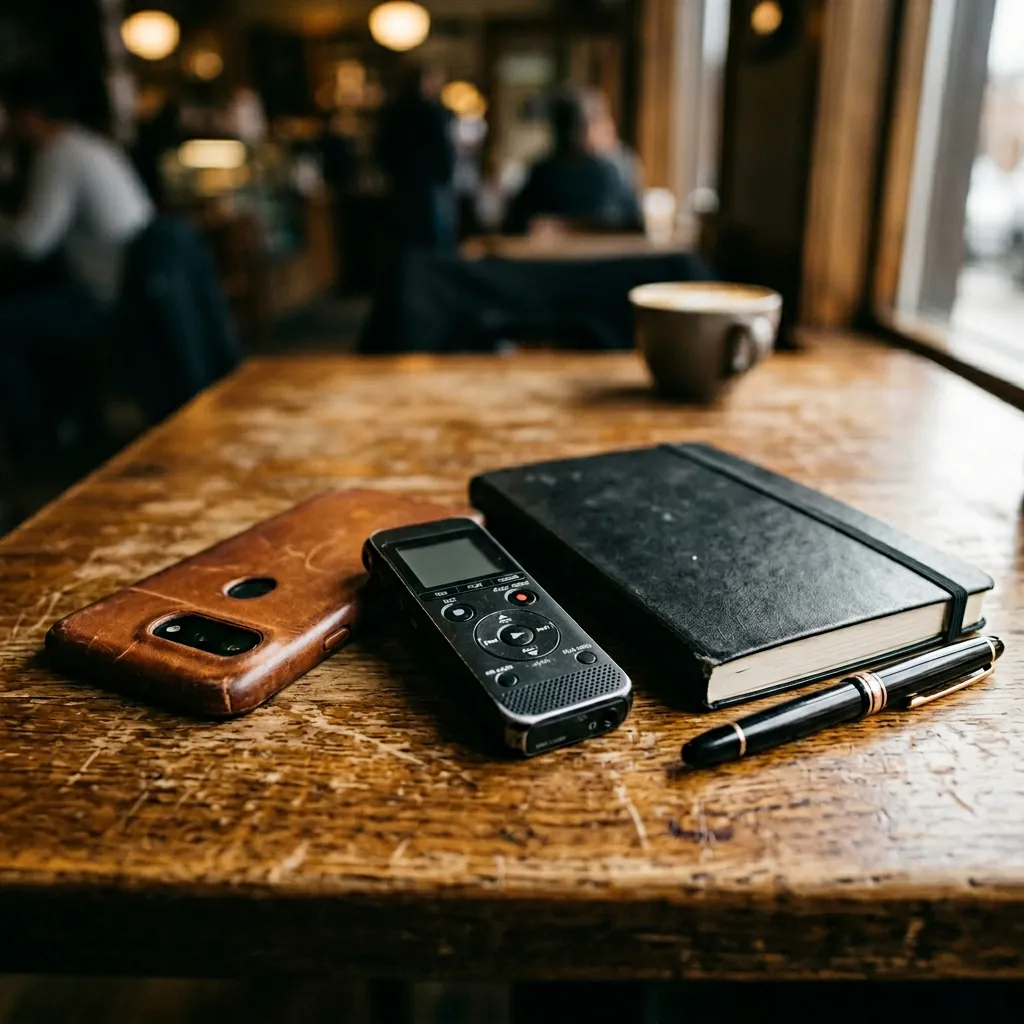
CraftNote is the only major AI note taker that works completely offline in 2026. Record conferences, client meetings, and conversations without any internet connection. Audio syncs and transcribes automatically when you reconnect. The unique speaker memory feature identifies participants across all your recordings permanently.
The 2026 updates have improved transcription accuracy to 94.92% in benchmark testing, added better noise filtering for conference environments, and expanded language support to over 100 languages with auto-detection.
Key Features for In-Person Meetings
- Full Offline Recording: No WiFi required throughout the entire meeting
- Speaker Memory: Recognizes people across all meetings permanently
- Auto-Sync: Transcribes automatically when you reconnect
- 94.92% Accuracy: Highest in benchmark testing
- 100+ Languages: Auto-detection for international events
- iOS App: Record discreetly from your phone
- GDPR Compliant: EU servers in Frankfurt
Real-World Testing 2026
We tested CraftNote at a 4-day tech conference in Barcelona with notoriously unreliable WiFi. It recorded 22 sessions totaling 18 hours across keynotes, breakout sessions, and networking conversations. All audio synced and transcribed within 45 minutes of reconnecting at the hotel. Speaker memory correctly identified 12 repeat speakers across multiple sessions without any manual labeling after the first identification.
CraftNote Pros and Cons
Pros
- Works completely offline (unique feature)
- Persistent speaker memory across all recordings
- Highest accuracy (94.92%) in testing
- 100+ language support with auto-detection
- Native mobile app for discreet recording
- GDPR compliant EU servers
- CRM integrations (Salesforce, HubSpot)
Cons
- No real-time transcription (offline mode)
- Transcription happens after sync
- Free plan limited to 10 meetings/month
CraftNote Pricing 2026
- Free: 10 meetings/month, 30-min limit
- Plus: $5/month (20 meetings, 2-hour limit)
- Pro: $7/month (Unlimited, 3-hour limit)
- Enterprise: Custom pricing
Best For
- Conferences with unreliable WiFi
- Client meetings at external venues
- Industry events and trade shows
- Board meetings and workshops
- International events (100+ languages)
- Recurring meetings with same people
2. Granola - Notepad-Style Recording
Granola takes a different approach to in-person meetings. It functions as a notepad where you type your own notes while it records audio in the background. After the meeting, AI enhances your notes with additional details from the transcript. This hybrid approach works well for those who prefer active note-taking.
However, Granola has limited offline functionality and requires internet for its AI enhancement features. Speaker identification is basic compared to dedicated transcription tools.
Key Features
- Notepad-style interface
- AI enhancement of manual notes
- Background audio recording
- Template-based notes
Granola Pros and Cons for In-Person
Pros
- Encourages active engagement
- Clean notepad interface
- AI enhances your manual notes
Cons
- Limited offline functionality
- Basic speaker identification
- Requires manual note-taking
- No speaker memory
3. Otter.ai - Best with WiFi Available
Otter provides excellent real-time transcription when WiFi is available. It shows live text as people speak, which is helpful for following along and catching details you might miss. The 2026 updates improved accuracy and added better multi-speaker handling.
However, Otter requires constant internet connectivity and cannot record offline. This makes it unsuitable for conferences, client sites, or any venue where WiFi is unreliable.
Key Features
- Real-time live transcription
- Speaker identification
- Collaborative editing
- Good mobile app
- Zoom/Teams integration
Otter Pros and Cons for In-Person
Pros
- Real-time transcription display
- See text as meeting happens
- Good speaker identification
- Strong mobile app
Cons
- Requires WiFi throughout
- Cannot work offline
- No speaker memory feature
- Limited language support
Otter Pricing 2026
- Basic: Free (limited minutes)
- Pro: $16.99/month
- Business: $30/user/month
- Enterprise: Custom
Compare All Options
See detailed feature comparison below.
4. Rev - Best Human Accuracy
Rev offers professional human transcriptionists for maximum accuracy. Record your meeting with any app, then upload to Rev for expert transcription. More expensive but delivers 99%+ accuracy, especially for technical content, heavy accents, or low-quality audio.
For critical in-person meetings where accuracy is paramount (legal, medical, executive), Rev's human option remains the gold standard.
Key Features
- Human transcriptionists (99%+ accuracy)
- AI option available ($0.25/min)
- Upload any audio format
- Fast turnaround (hours to 24h)
- Speaker labeling included
Rev Pricing 2026
- AI Transcription: $0.25/minute
- Human Transcription: $1.50/minute
- Rush delivery: Additional fees
Feature Comparison

Offline Capabilities
| Feature | CraftNote | Granola | Otter.ai | Rev |
|---|---|---|---|---|
| Offline Recording | Full | Partial | No | N/A (upload) |
| Offline Transcription | After sync | No | No | After upload |
| Real-Time Text | No (offline) | Manual notes | Yes | No |
| Speaker Memory | Yes | No | No | No |
| Languages | 100+ | Limited | Limited | Multiple |
Accuracy & Quality
| Factor | CraftNote | Granola | Otter.ai | Rev Human |
|---|---|---|---|---|
| AI Accuracy | 94.92% | ~90% | ~92% | N/A |
| Human Accuracy | N/A | N/A | N/A | 99%+ |
| Background Noise | Excellent | Good | Good | Excellent |
| Multiple Speakers | Excellent | Fair | Good | Excellent |
| Technical Terms | Good | Good | Fair | Excellent |
How to Choose

Recommendation by Scenario
| Scenario | Best Choice | Why |
|---|---|---|
| Conference (no WiFi) | CraftNote | Only full offline option |
| External client meeting | CraftNote | WiFi uncertain at client sites |
| Office meeting (good WiFi) | Otter.ai | Real-time text helpful |
| Legal/medical (need 99%+) | Rev Human | Human accuracy required |
| International events | CraftNote | 100+ languages auto-detect |
| Recurring team meetings | CraftNote | Speaker memory saves time |
| Active note-takers | Granola | Notepad-style interface |
| Budget-conscious | Temi | $0.25/min upload |
Try CraftNote Free
10 meetings per month, full offline support, speaker memory. Perfect for in-person meetings.
Frequently Asked Questions

Which AI note taker works without WiFi in 2026?
CraftNote is the only major AI note taker that works completely offline. It records audio locally and transcribes when you reconnect to the internet. Other tools like Otter and Fireflies require constant connectivity.
How do I record a conference with no internet?
Use CraftNote's mobile app to record. It stores audio locally on your device with no internet required. When you return to WiFi (hotel, home, office), it automatically syncs and transcribes everything within minutes.
Can AI handle multiple speakers in a conference room?
Yes, CraftNote identifies different speakers accurately and its unique speaker memory feature remembers them across all your recordings permanently. You label speakers once, and it recognizes them automatically in every future meeting.
What about background noise at events?
Modern AI transcription in 2026 handles moderate background noise well. CraftNote's noise filtering has improved significantly. For very noisy environments, position your device closer to speakers or consider Rev's human transcription for critical content.
Is it legal to record in-person meetings?
Recording laws vary by jurisdiction. Many places allow recording with one-party consent (you). Some require all-party consent. Always inform participants or get consent to ensure compliance with local laws. When in doubt, disclose that you're recording.
Which tool has the best accuracy for in-person meetings?
For AI transcription, CraftNote achieved 94.92% accuracy in our benchmark testing. For absolute accuracy requirements (legal, medical), Rev's human transcription delivers 99%+ accuracy but at higher cost ($1.50/minute).
Can I use my phone to record meetings?
Yes, CraftNote has a native iOS app specifically designed for in-person recording. It works offline, syncs automatically, and the speaker memory feature works across both desktop and mobile recordings.